Affordable Multiseat. SoftwareShare One PC, Create Multiple Workstations
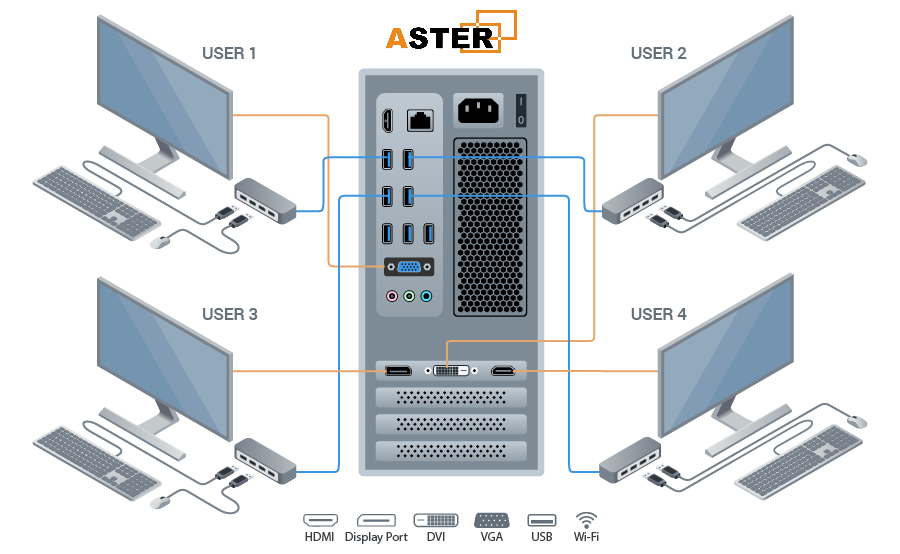
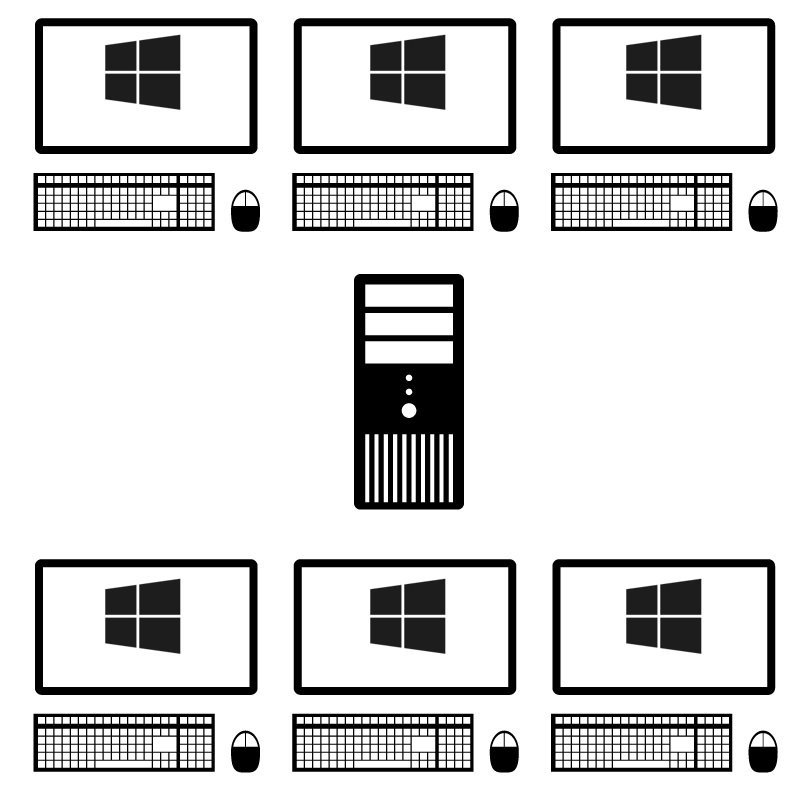
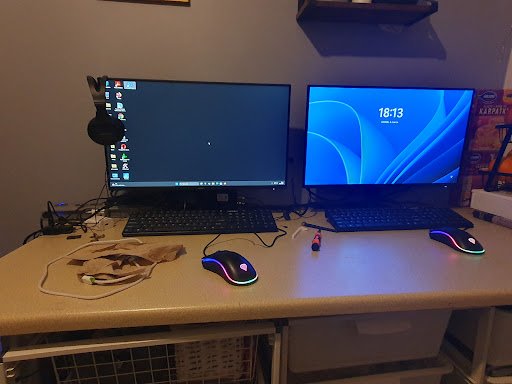
Welcome to Aster Software, India’s trusted provider of multiseat software for Windows. Our solution allows you to connect multiple monitors, keyboards, and mice to a single PC, giving each user their own desktop environment.
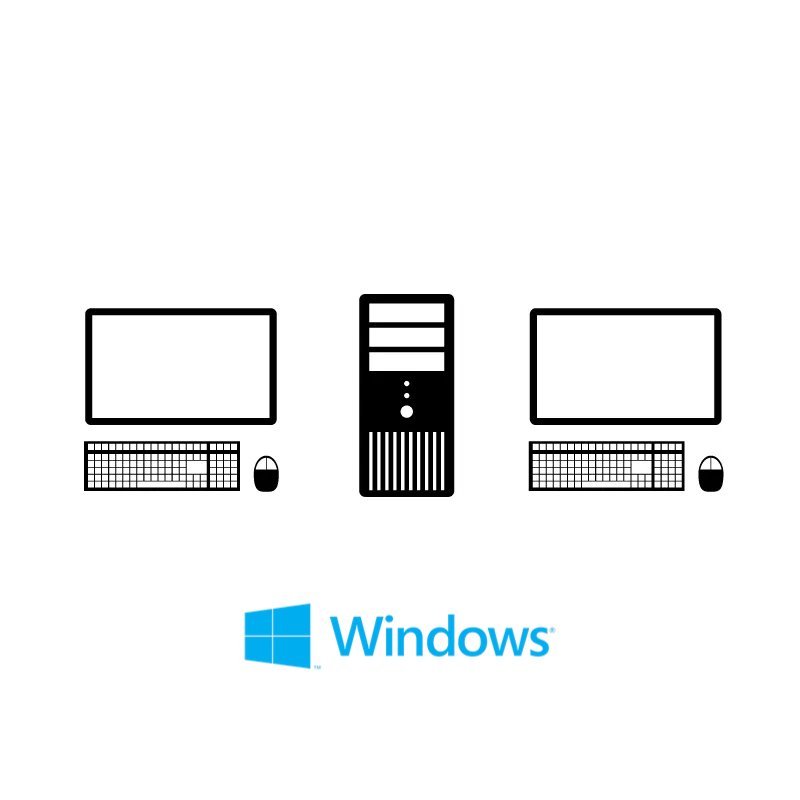
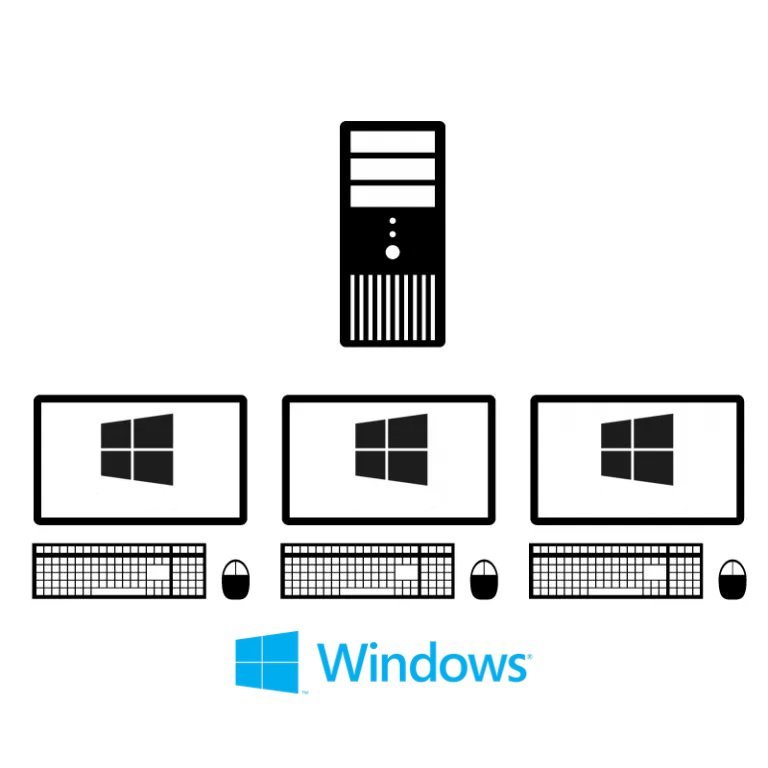
Turn a single Windows computer into up to 12 independent desktops. Save money, save space, and boost efficiency.
Experience the power of multiseat technology before you buy. Download our installer and test all features for 14 days.
Aster Multi Users Windows Software
Annual Plan 2 Workstations
Affordable yearly subscription for 2 users. Expand up to 12 users.
Pro Lifetime License 2 Workstations
Affordable Lifetime subscription for 2 users. Expand up to 12 users.
Pro Lifetime License 3 Workstations
One-time payment. Supports 3 users out of the box. Scalable to 12.
Pro Lifetime License 6 Workstations
One-time payment. Supports 6 users out of the box. Scalable to 12.
All licenses support Windows 7/8/10/11
Works with VGA, HDMI, DisplayPort & USB monitors
All licenses support Windows 7/8/10/11
How It Works Page
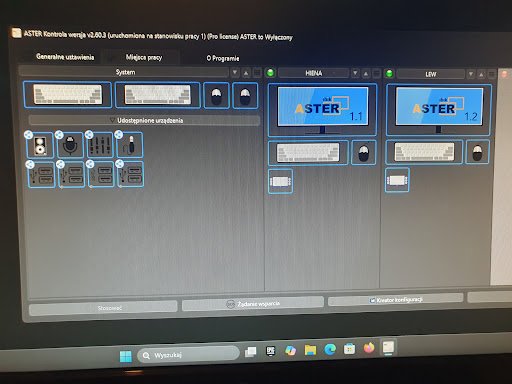
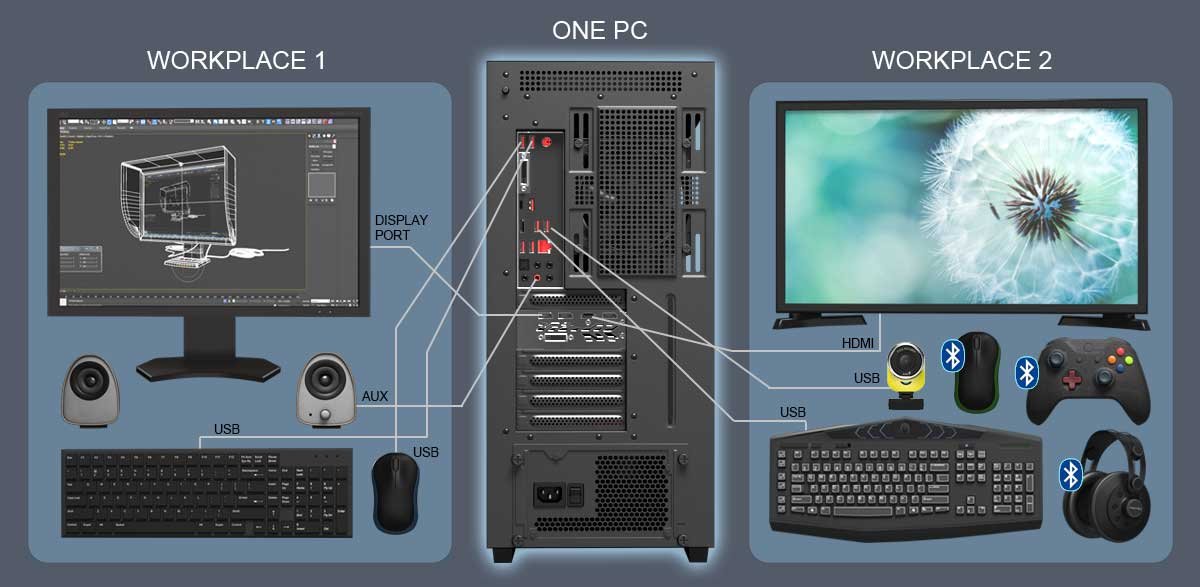
Step 1 :- Connect extra monitors, keyboards, and mice to your PC. Step 2 :- Install our multiseat software. Step 3 :- Assign each set of devices to a separate user. Step 4 :- Each person gets their own Windows desktop with full control.
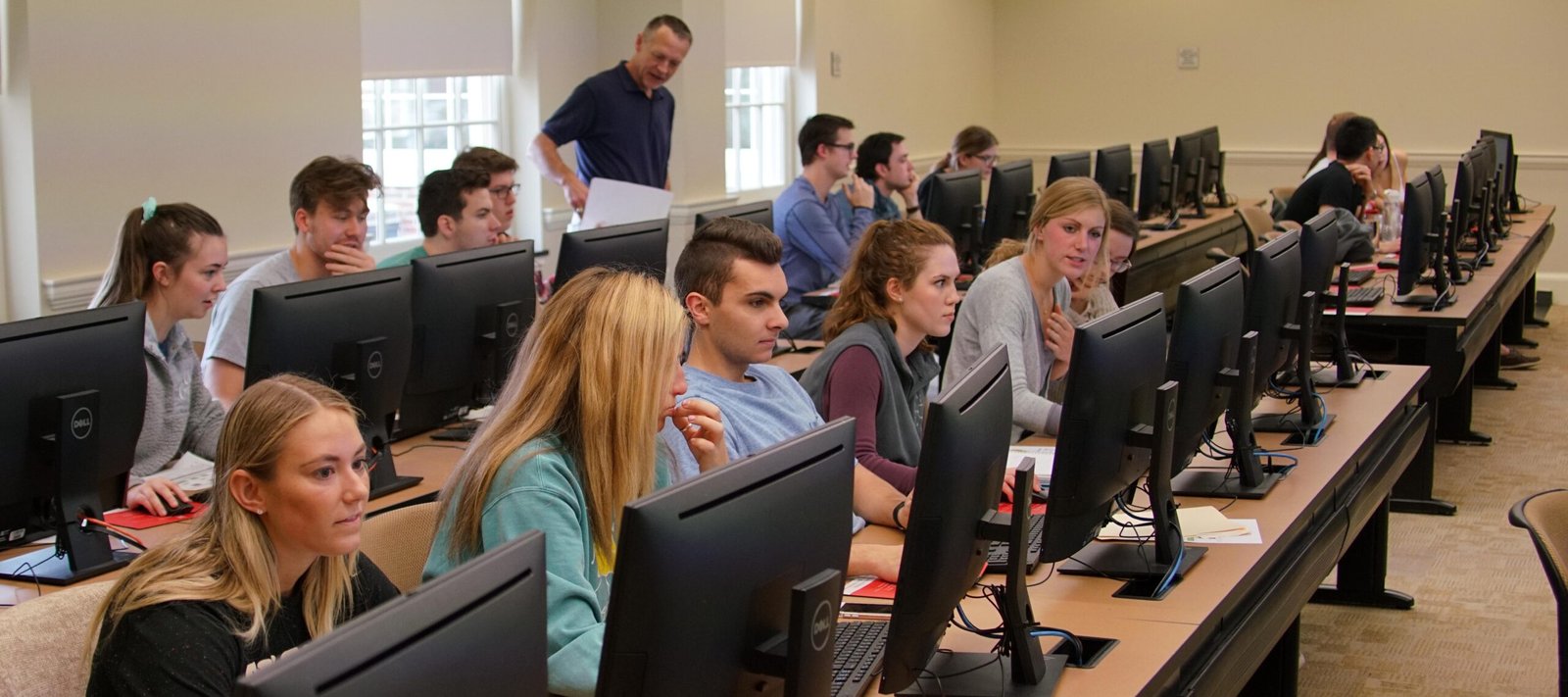
Our Aster Software Multiseat Software is one of the most trending IT solutions in 2025—designed to help businesses, schools, and homes maximize efficiency while cutting costs. With this innovative software, a single Windows PC can be transformed into multiple independent workstations, each with its own monitor, keyboard, and mouse.
Okay, I’ve given my assessment. I hope it’s helpful for everyone, and I feel like I’ve found it helpful. I’ll be using it for the rest of my life next year. It’s been helpful for me to run courses for my children
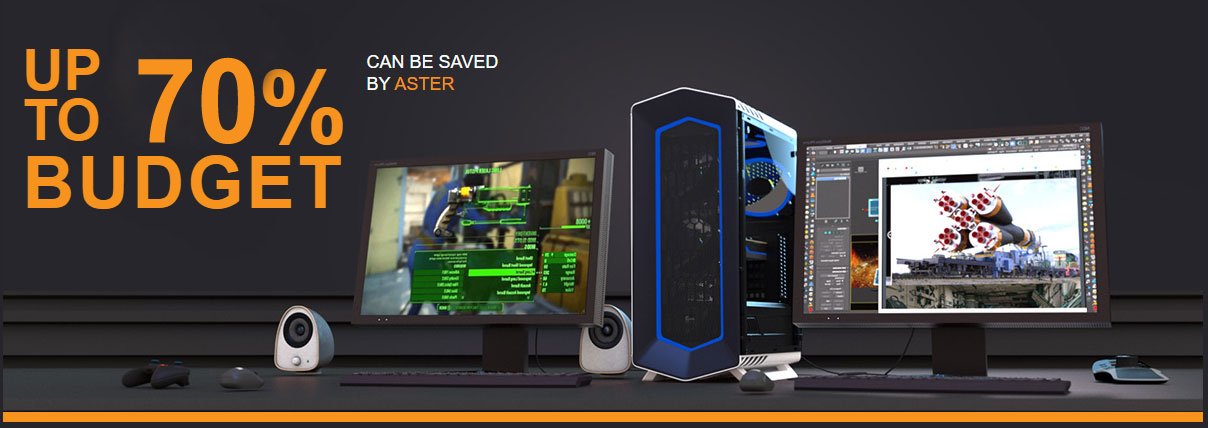
With Our Software You Can Save Money on Additional Computers
Low Noise Level
Multiseat Systems Reduce Noise Levels by Eliminating Additional System Units
Space Saving
You Can Create an Additional Workplace Even in A Small Room
Easy to Use
ASTER Can Be Started or Unloaded at Any Time as A Usual Program
Electricity Saving
Using ASTER You Can Reduce Your Electricity Bill up To 4 Times
Zero Network Load
Data Exchange Between Workplaces Does Not Increase Network Traffic
We are an offshore incorporation managed by a diverse group of investors from the USA, India, and Egypt, led by our CEO Mr. Amiras Roy. Our core focus is the worldwide distribution and sales of ASTER Multiseat Software, where we proudly serve as the official distributor in India.
SIMPLE CONNECTION
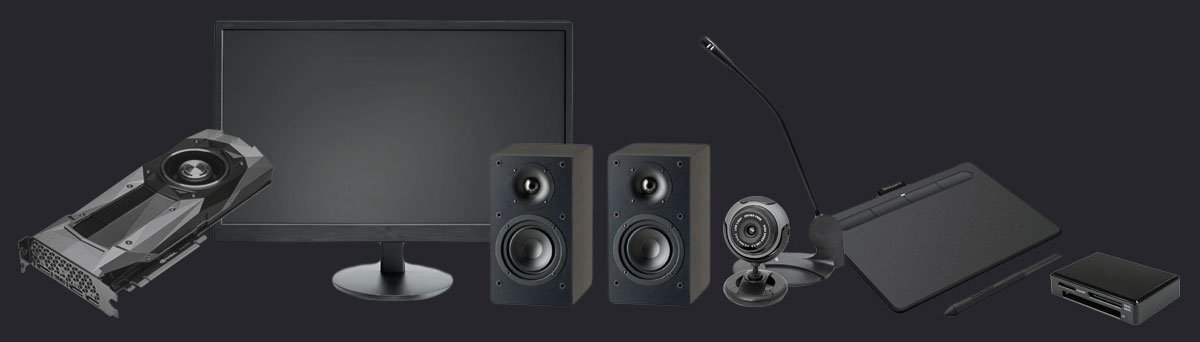
ASTER supports any video cards, monitors, speakers, microphones, webcams, tablets, card readers, and many other devices
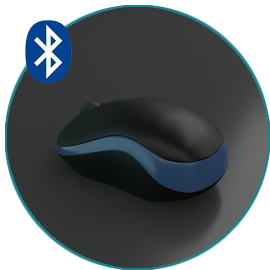
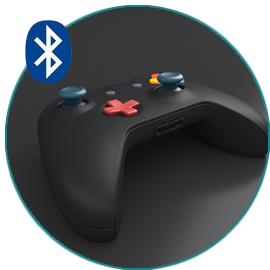
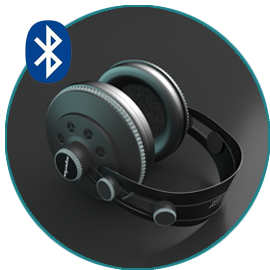
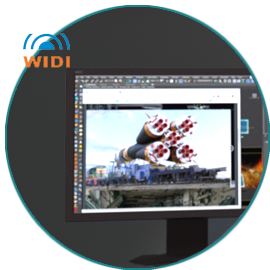
Also supports BLUETOOTH, WIFI and MIRACAST wireless devices
Contact Information
Address
SHOP NO – 01 INDRAPRASTH APPT KIRAN HOSPITAL ROAD KATARGAM SURAT 395004.
Call Us
+91 84695 90965
Email Us
astersoftware31gmail.com
support@astersoftware.in
Monday-Saturday
9am-7pm IST Sunday Closed
Follow Us
Got Any Questions?
AVAILABLE ON GLOBALLY ASTER SOFTWARE
Welcome Dealers
We warmly welcome software dealers and representatives to cooperate with us.